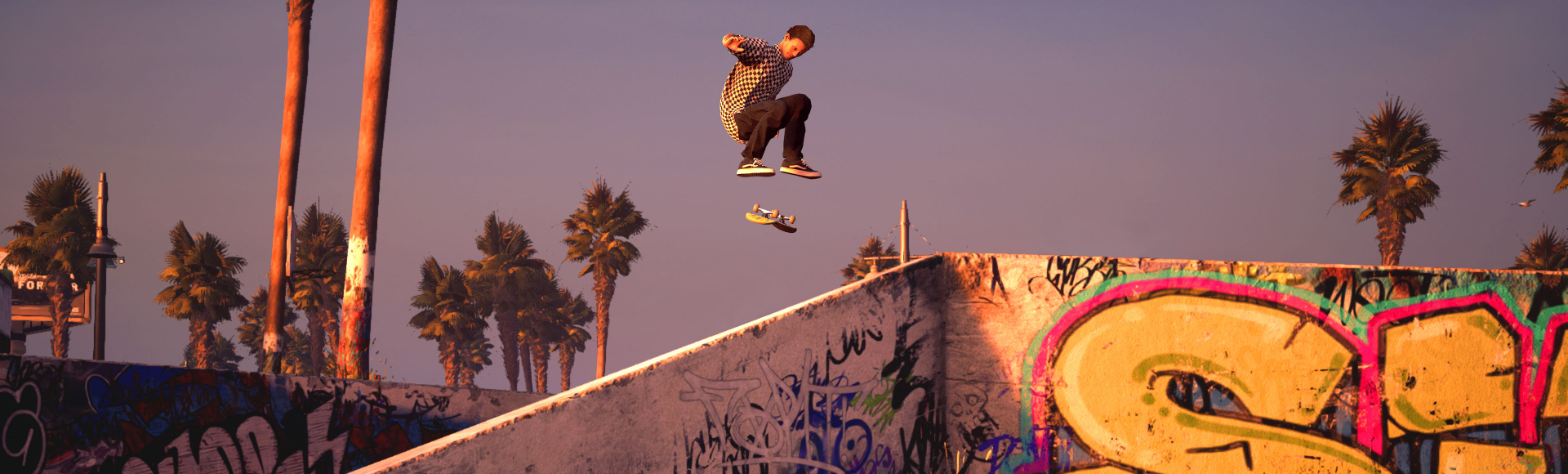
With the Create a Park system in Tony Hawk’s Pro Skater 1 + 2, you can let your imagination run wild by building your own Park to shred on your own or publish online to share with other players.
In Create a Park, select Go To My Parks then Create a Park to enter the Park editor. A tutorial will walk you through the basics of creating your own Park. You can litter your Park with all kinds of obstacles and objects, including quarter pipes, ramps, rails, bikes, chairs, trees, and much more.
New to the franchise are Smart Pieces, which can be molded and twisted in an insane number of ways to make a Park that is truly your own. Once you’ve got your Park skating how you like, change the appearance of its pieces and even the Park itself to fit your style.
You can enter a name, description, and series of tags, as well as take a custom screenshot to help others understand what your Park is all about. When you’re online, go to My Parks, then choose Publish on any Park that you’ve saved so that other players can skate it.
If a published Park is flagged as Remixable when it is published, other players can take that Park into their Create a Park and modify it, putting their own unique twist on another player’s creation. Loving a particular Park? You can upvote it and mark it as a favorite to keep it easily accessible.
Not feeling creative? Don’t worry! Feel free to check out amazing creations from your fellow players instead in the Park Browser within Create a Park.